
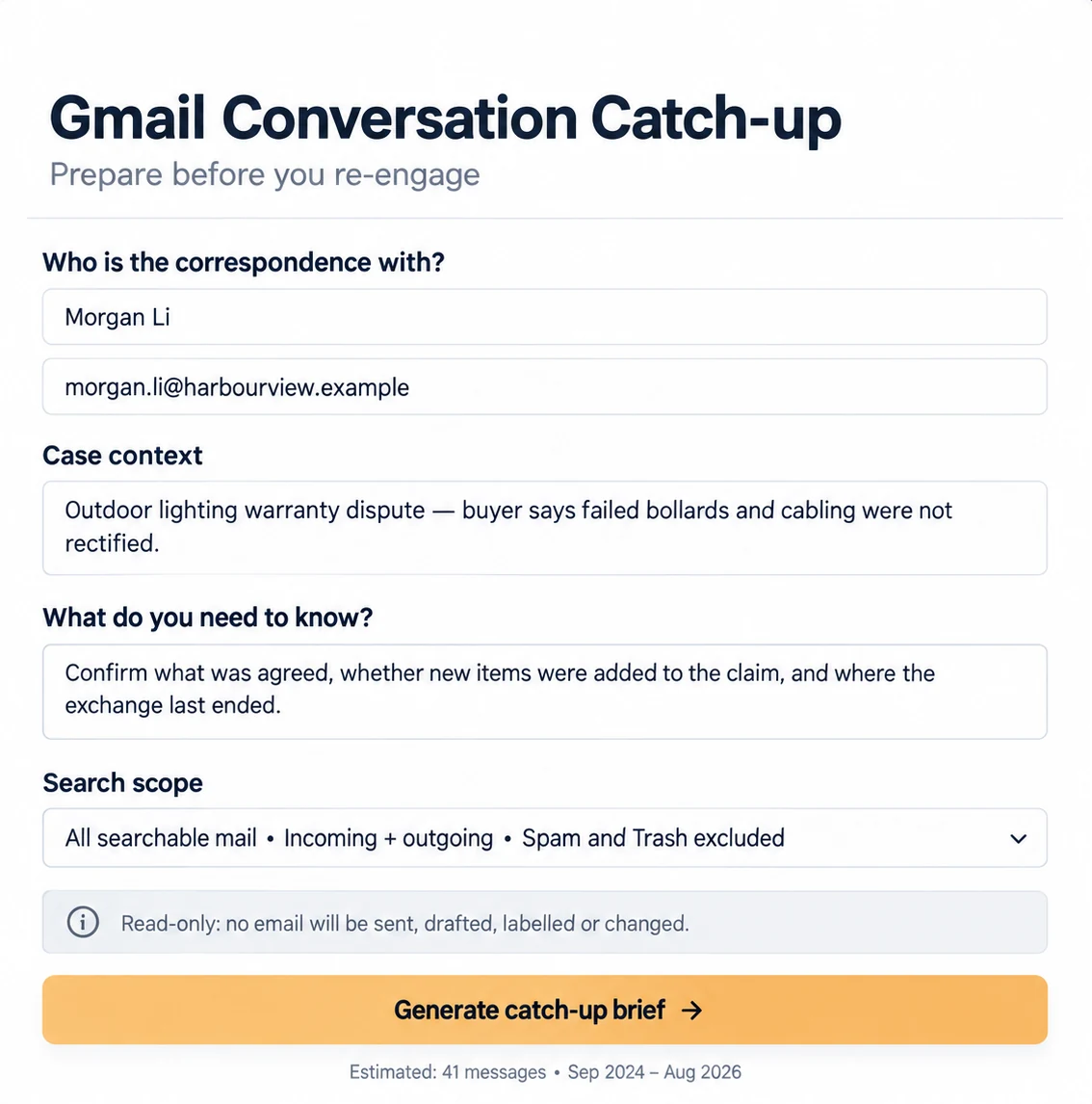
Information going in
A named contact or topic, the relevant date range and a short explanation of what you need to understand before re-engaging.
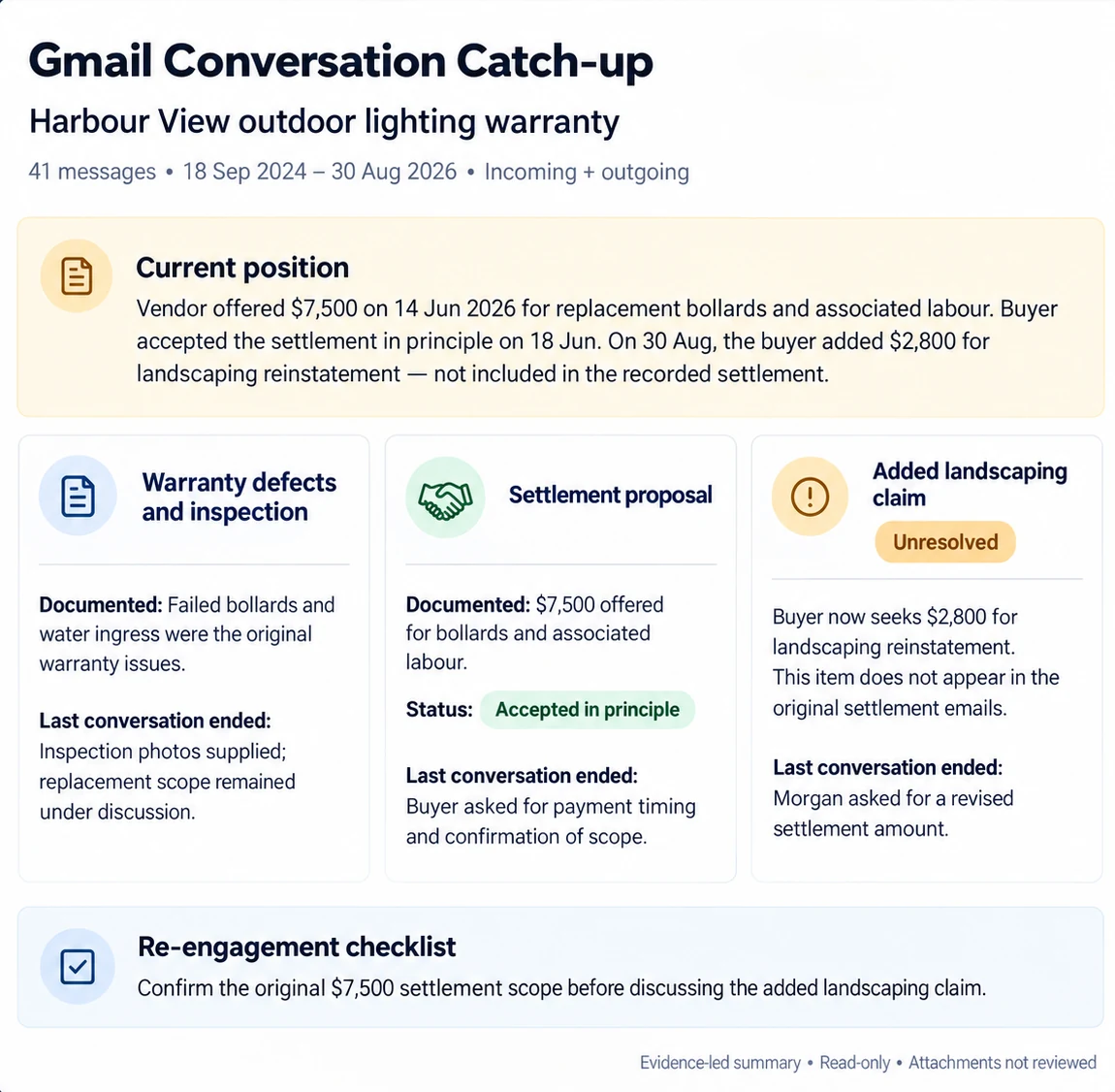
Draft coming out
A neutral catch-up brief organised by topic, with chronology, commitments, disagreements, unresolved items and the latest known position.
How this example works
- 1
Define the search
Choose the person, project, topic and date range so unrelated correspondence stays out.
- 2
Build the brief
The app organises the available email history without drafting, sending or changing messages.
- 3
Check the sources
A person reads the relevant emails and attachments before relying on the summary or replying.
The human check
Read the brief against the original emails before acting on it. The search is read-only: no email is sent, drafted, labelled or changed, and attachments are not reviewed.
Where it can be useful
- Returning to a paused client matter
- Handover between staff members
- Tracing commitments on a project
- Preparing for a difficult follow-up
See another real example
First AI Win identifies useful opportunities in your business, then includes up to three agreed solutions built and configured, with guidance for your team to install and use them.